Bring your material
Type a topic or pick a PDF, DOCX, PPTX, TXT, or image from your phone.
Your Android study companion
Big chapter? Tricky topic? Bring your notes. Turn them into clear explanations, assignment drafts, and quizzes that help you practise.
Made for Android. Google Play launch coming soon.
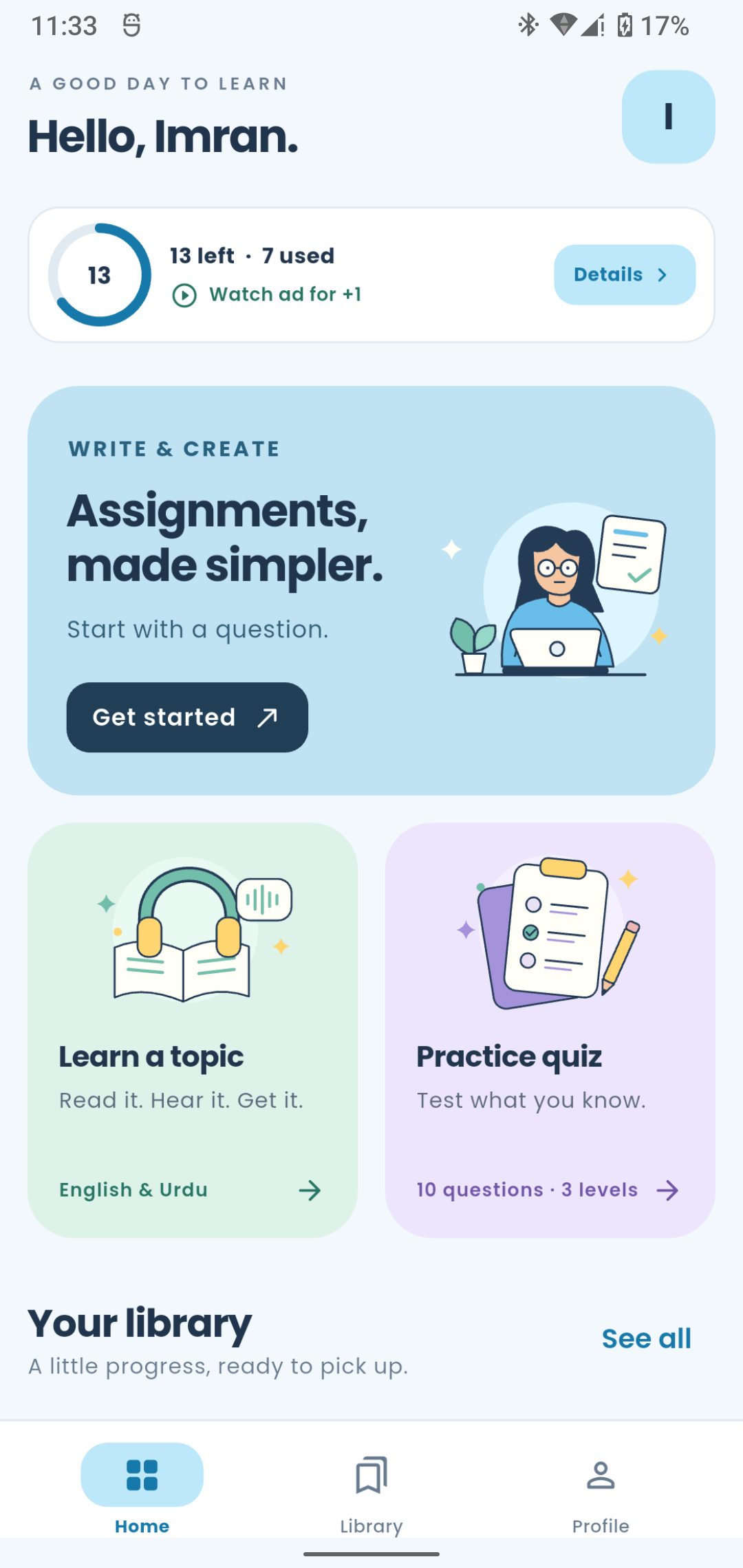
One app. A few brilliant possibilities.
Write it out. Talk it through. Put it to the test.
Choose the way that works for you.
Bring your questions. Build an assignment draft, choose a PDF style, and make the cover yours.
Explore assignments 02 / UNDERSTANDGet an explanation in English or Urdu. Read along, listen, and learn at your own pace.
Explore lessons 03 / PRACTISETurn a topic or your own study material into ten questions. Choose your level and check your score.
Explore quizzes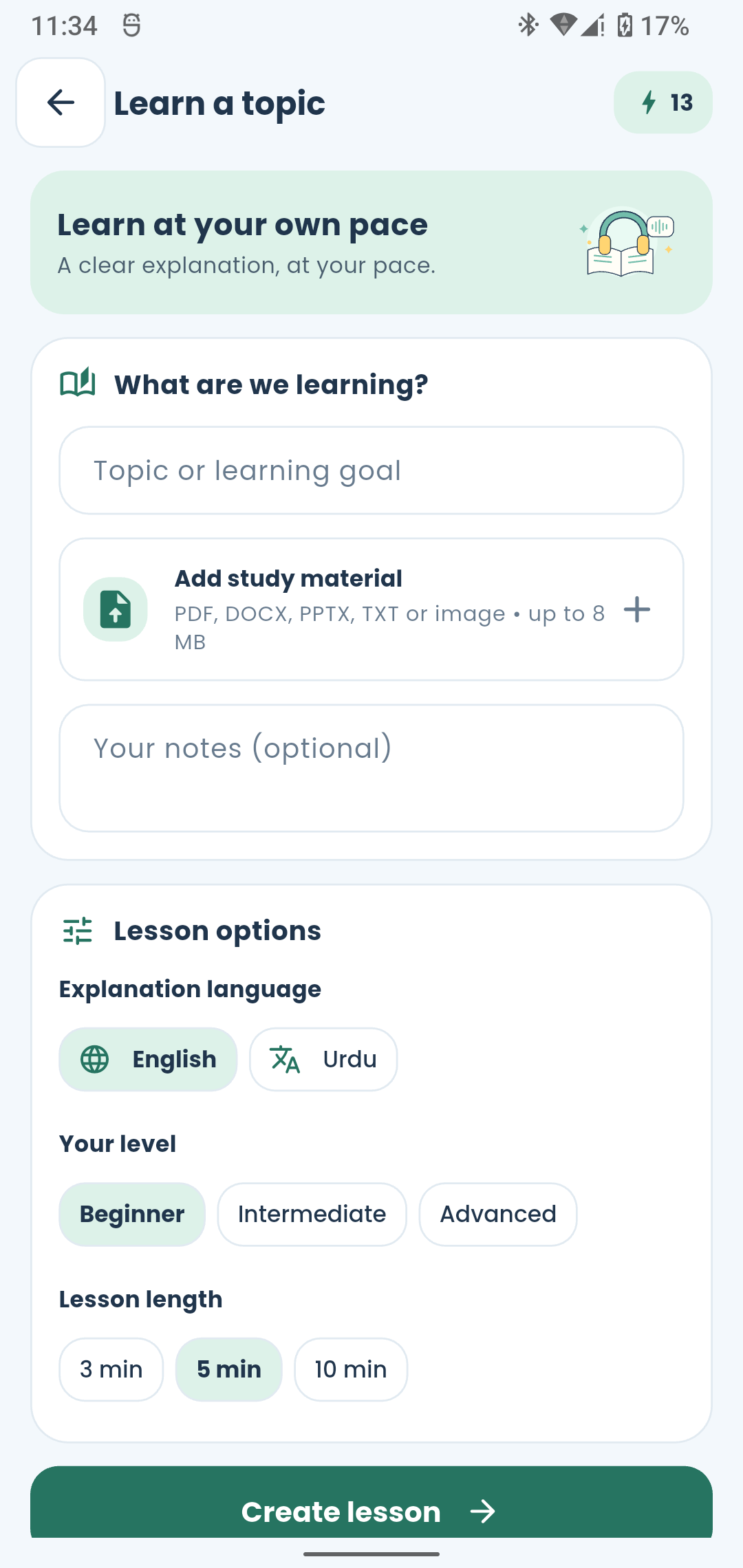
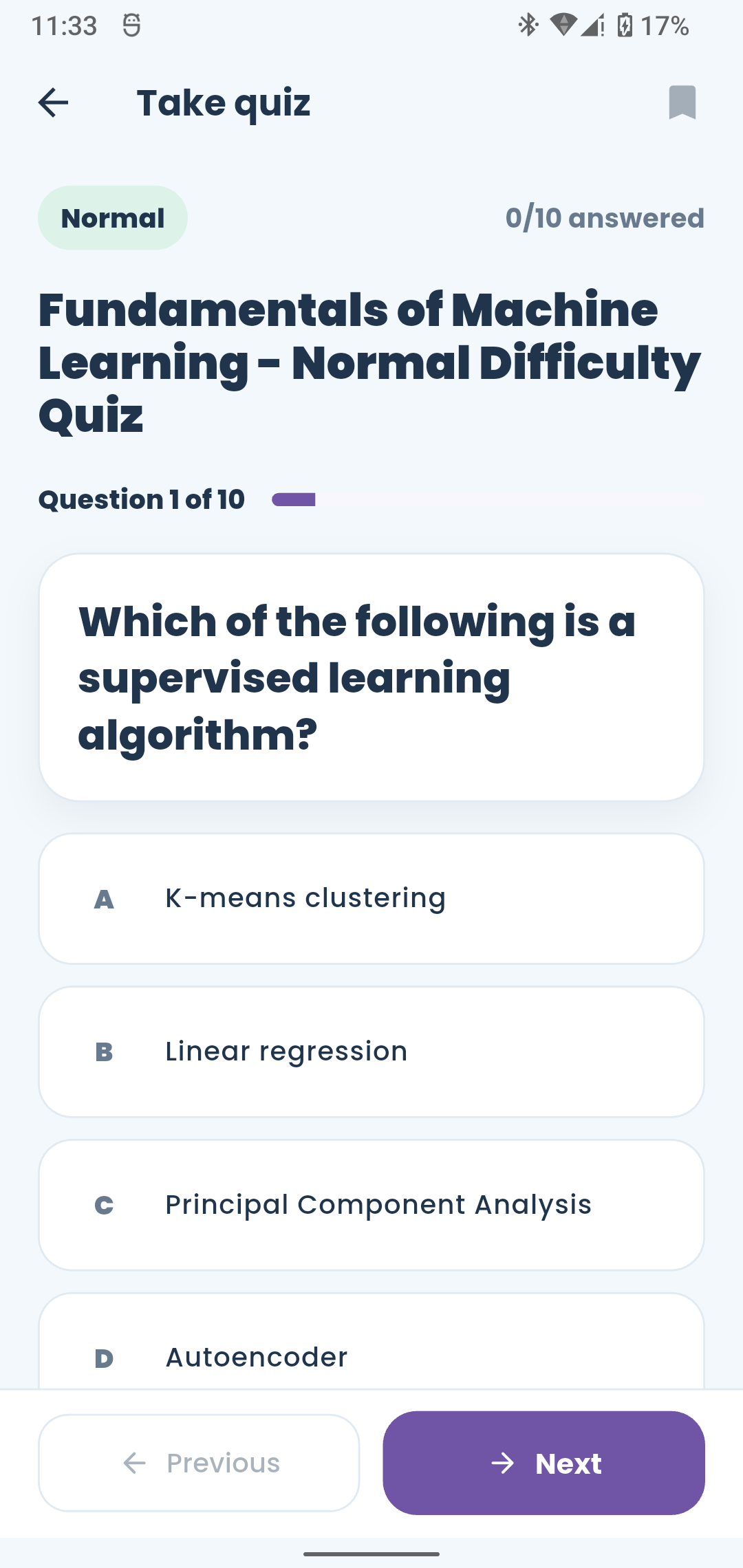
Learn a topic
That page you’ve read three times? Give it a new voice. Create a lesson from your topic, notes, or a document, then listen with the transcript beside you.
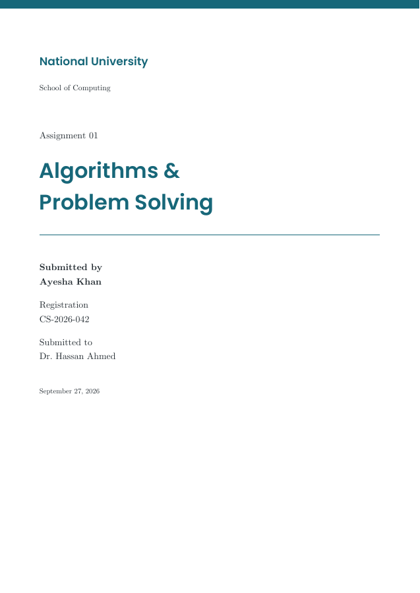
Assignment studio
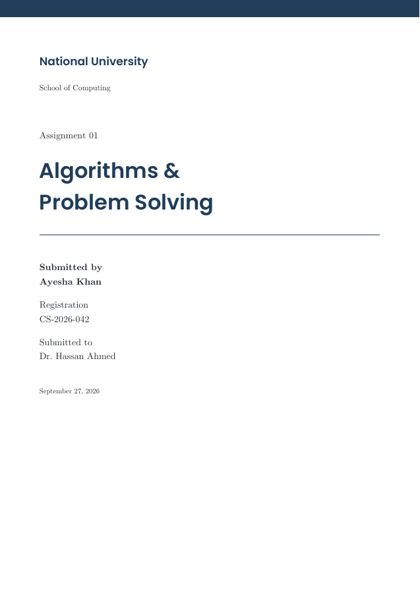
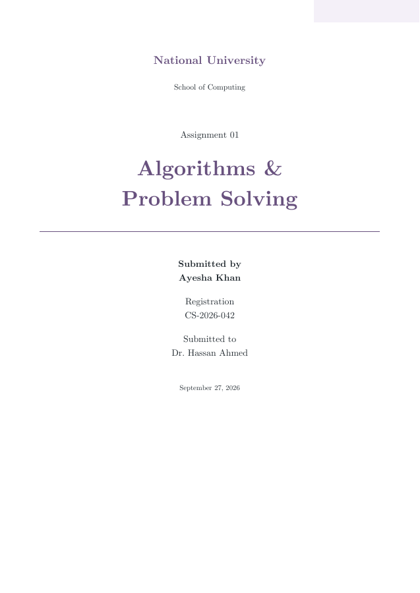
Go from questions to a structured draft. Review the answer, choose from 15 document styles, and arrange the first page before exporting your PDF.
A helpful starting point, not a substitute for your thinking. Always check the output and your course’s AI rules.
Practice quiz
Find out what stuck. Create a multiple-choice quiz from your notes or a topic, answer ten questions, then see how you did.
From “where do I start?” to “let’s do this.”
Type a topic or pick a PDF, DOCX, PPTX, TXT, or image from your phone.
Create an assignment, explore a lesson, or challenge yourself with a quiz.
Review, listen, and practise. Save useful work in your library for later.
Saved work lives on your phone. New AI generations need internet and send the relevant text to our service.
A few things worth knowing
Still curious about something?
We’re here to help.
Start with a topic or pasted text, or import PDF, DOCX, PPTX, TXT, PNG, JPG, or JPEG files. Clear scans and selectable text give better results. Convert older DOC or PPT files before importing.
You can revisit locally saved PDFs, lessons, and quizzes offline after signing in. Creating new content and accessing your profile need internet. Offline lesson audio depends on the voice data available on your Android device.
StudyKitab uses your Android device’s text-to-speech engine. You may need to install English or Urdu voice data through your device settings. Voice availability and pronunciation depend on the engine you use.
No. AI can make mistakes, miss context, or invent details. Check important facts, calculations, code, and sources. Use drafts to support your learning and follow your institution’s academic-integrity rules.
We’re preparing StudyKitab for Google Play. The public download link will appear here when the app is available. Generation allowances and optional rewarded ads are explained inside the app.
A new chapter in your study routine
StudyKitab for Android. Made for the way you learn.